The platform
Set up once, come back to it exactly as you left it.
Workspaces and multi-chart
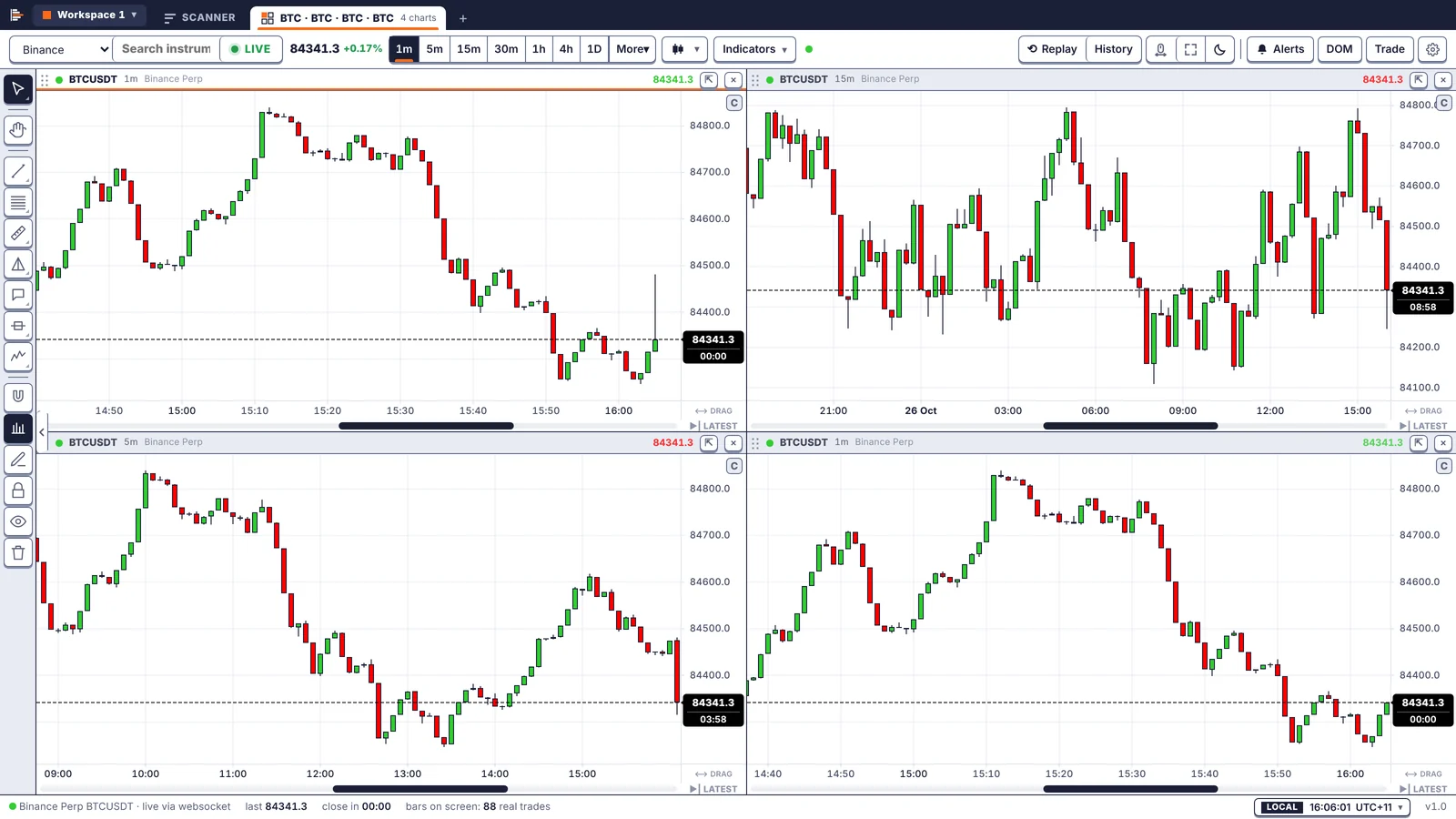
Up to four charts side by side in one tab, each with its own market, timeframe, indicators and drawings. Workspaces save everything and keep running in the background.
- Drag a tab onto a chart to split it: side by side, stacked or quarters
- Resize with the dividers; click a chart to make it active
- Switch workspaces instantly, each restored exactly as you left it
Alerts that reach you
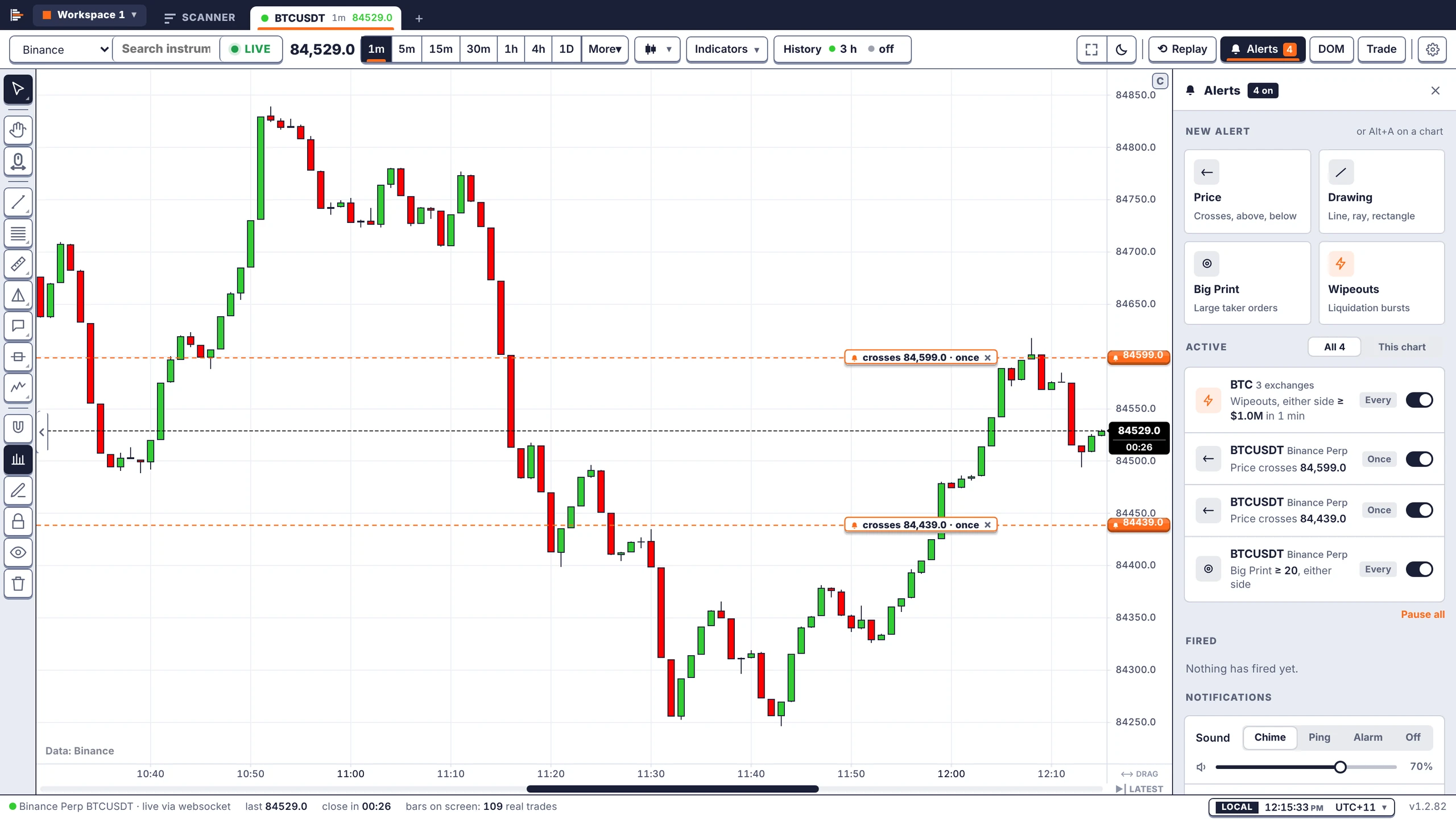
Price, line, zone, Big Print and Wipeouts alerts with sound, pop-ups and Windows notifications, even with the app minimised to the tray.
- Price crosses, line crosses, box enter and leave
- Big Print alerts over the size you choose
- Wipeouts alerts when liquidations pass your size (Premium)
- Once, once per bar or every time; pause all in one click
History that loads itself
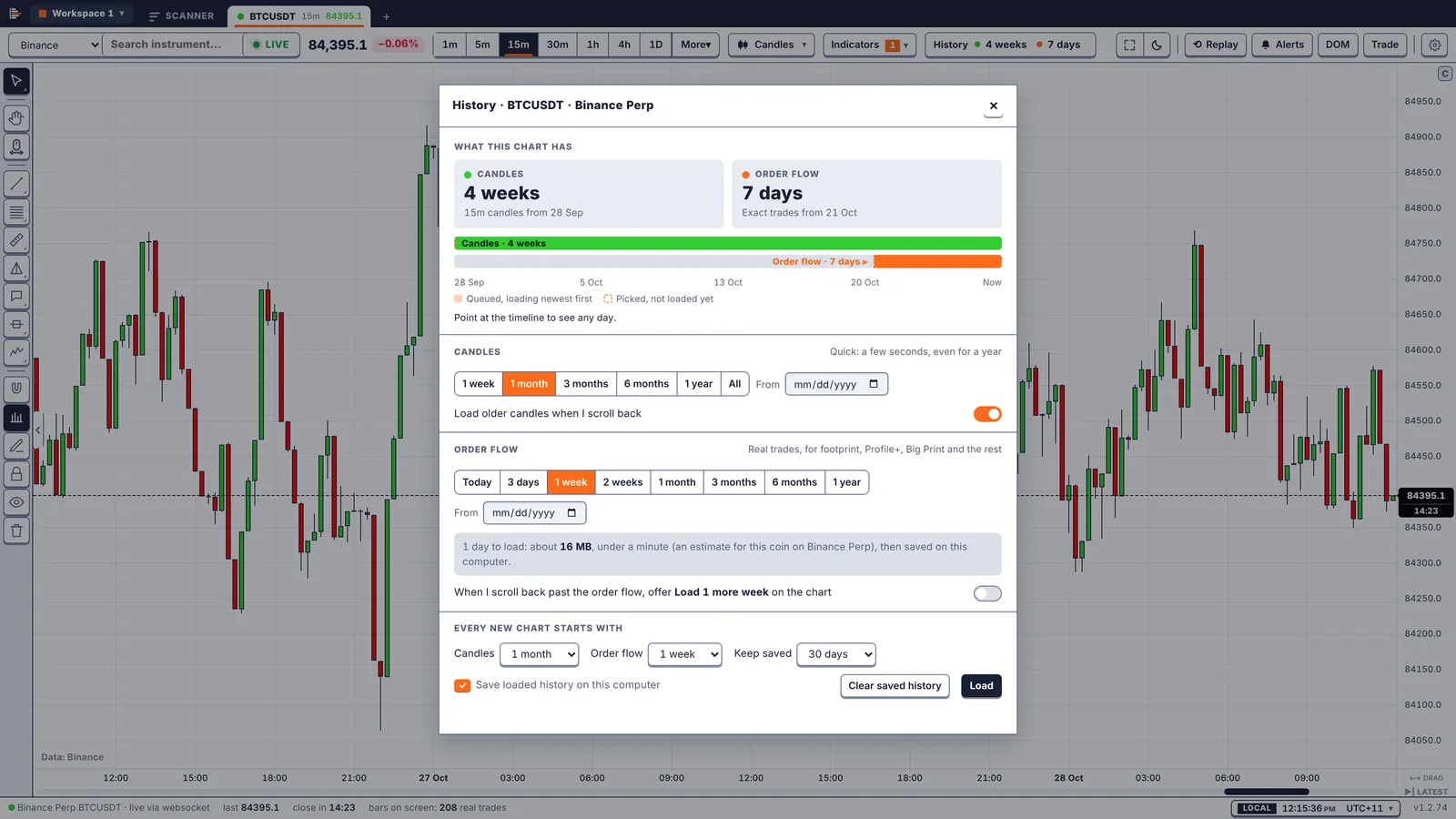
Every chart opens with days of real order flow, downloaded and saved on your computer so the next open is quick.
- Five days of order flow by default, up to a year from History
- 30 days of candles to start, older ones load as you scroll back
- A timeline shows exactly what each chart has loaded
- Saved for as long as you choose, cleared in one click
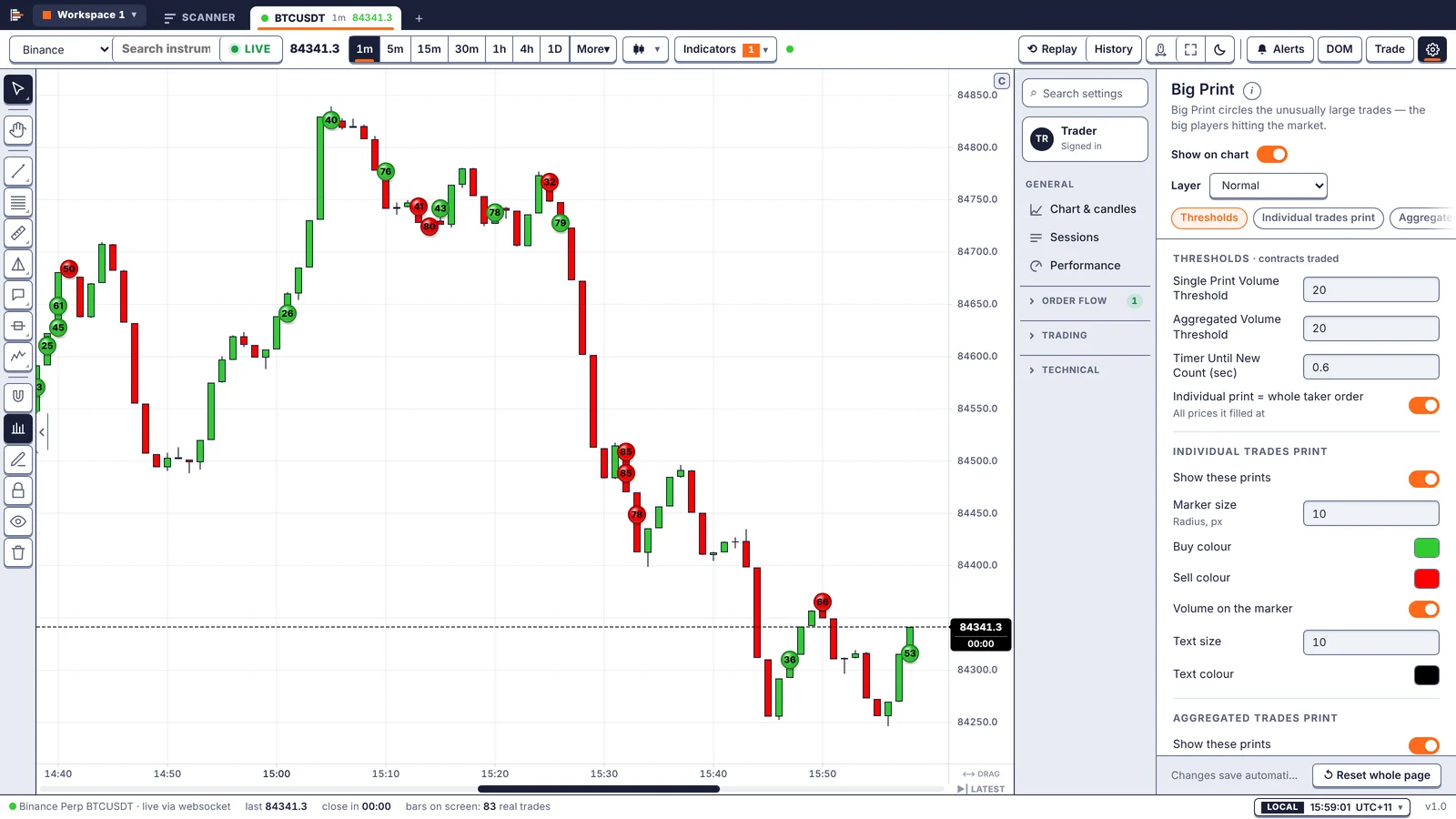
Settings made simple
Every indicator has its own page with plain-language settings, search across everything, and templates so you set things up once.
- Search every setting by name
- Save any indicator as a template
- Layers: send any indicator behind or in front of candles
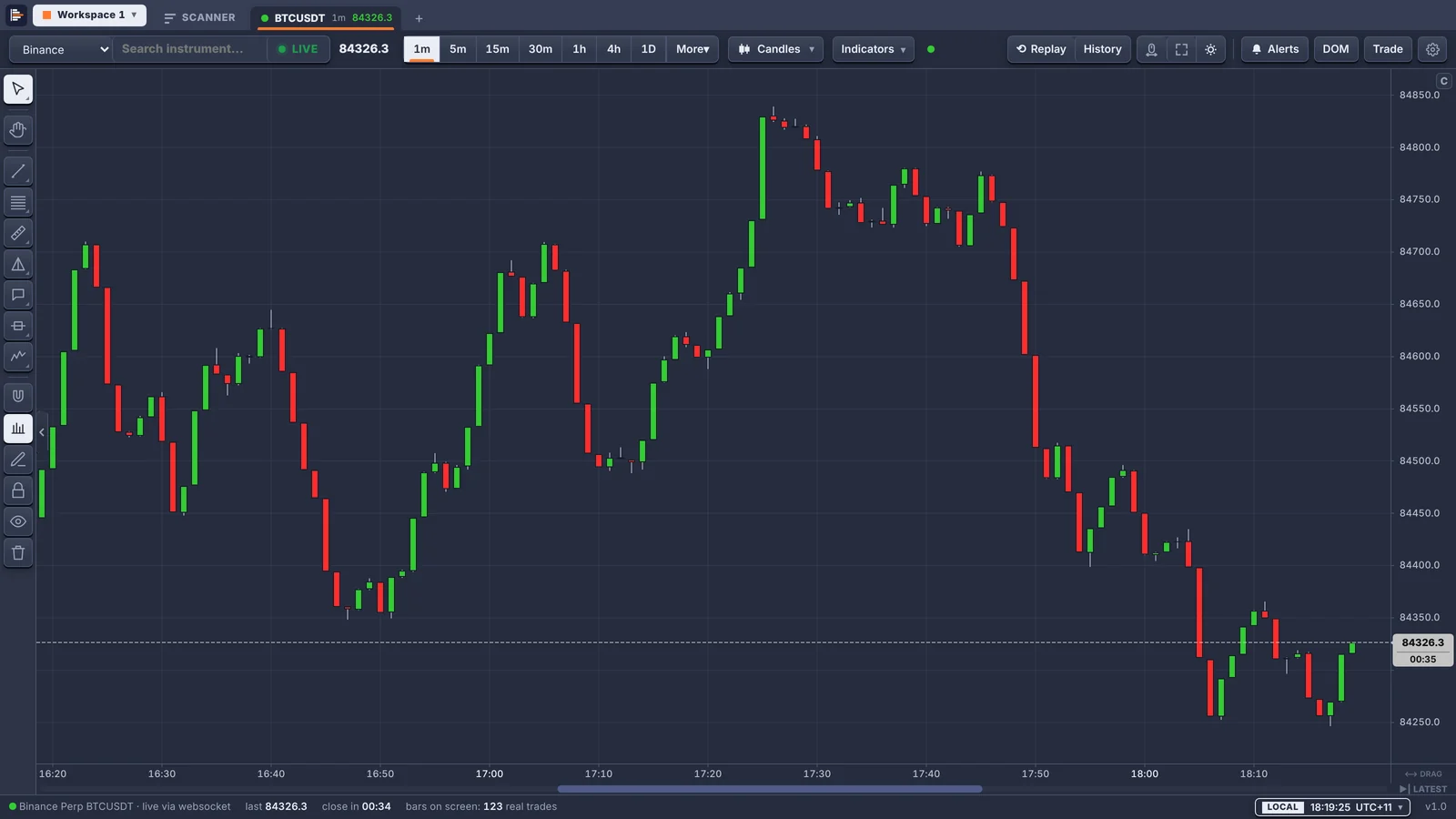
Light and dark
Switch any time; every indicator is tuned for both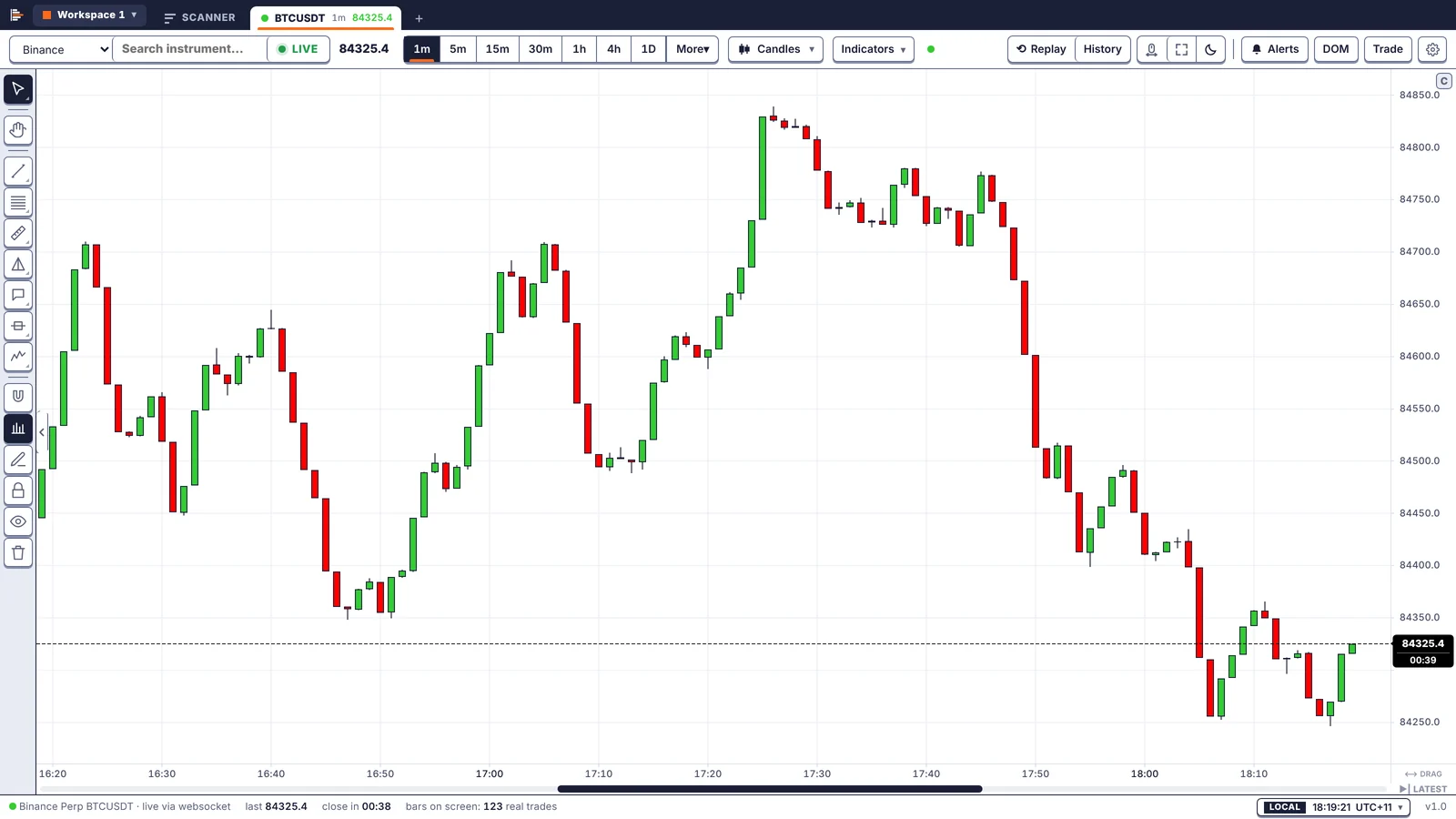
And the rest
The things that make it easy to live in every dayWindows app or ChromeThe Windows app, or the browser version on any computer with the same account.
Any time zoneRun the whole platform in your time zone; Asia, London and New York sessions built in.
Five exchangesBinance, Bybit, OKX, Bitget and Hyperliquid, perps and spot.
Real data, markedBuilt from real trades; anything estimated is shown as an estimate.
Performance monitorFrame rate, memory and load times in one panel.
Saved automaticallyCharts, drawings, settings and layouts saved as you go.
Binance Perp + Spot
Bybit Perp + Spot
OKX Perp + Spot
Bitget Perp + Spot
Hyperliquid Perp